UX writing
UX Writing Challenge
"I jumped headfirst into the Daily UX Writing Challenge to level up my UX writing and content strategy skills—and what a ride it’s been! For 15 days straight, my inbox greeted me with fresh writing prompts that put my creativity (and word count) to the ultimate test. Crafting concise, impactful copy within strict character limits was no easy feat, but I didn’t stop there. I raised the bar by designing all the accompanying screens myself. Talk about a double challenge! This journey taught me more than I ever expected, and I can’t wait to share what I’ve learned."
Overview
/Challenge
📝 Day 1: Daily UX Writing Challenge
Scenario:
A traveler is at the airport, waiting for the final leg of their journey home, when their flight gets abruptly canceled due to bad weather.
Challenge:
Write a message for the airline app that notifies them of the cancellation and provides next steps.
Headline: 45 characters
Body: 175 characters max
Button(s): 25 characters max
/Solution
My Solution
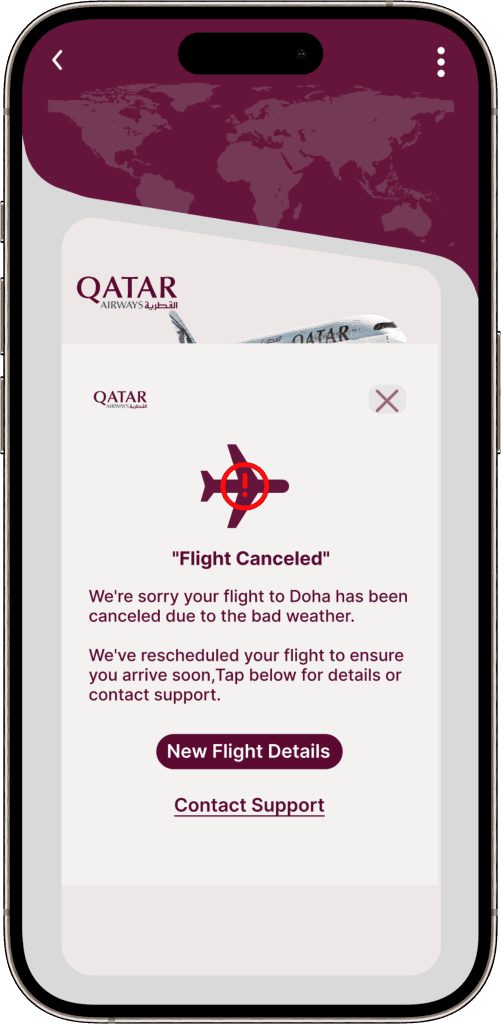
Headline: "Flight Canceled"
Body: "We're sorry your flight to Doha has been canceled due to the bad weather. We've rescheduled your flight to ensure you arrive soon,Tap below for details or contact support.
Buttons:
Primary: “New Flight Details”
Secondary: “Contact Support”
Research
As a traveler myself, I know how stressful such situations can be. Travelers in this scenario likely feel frustrated, stuck, and helpless. This is not the time for lengthy or vague messages!
I started by asking myself these questions:
. What information will travelers want to know immediately?
How can I help ease their frustration and give them clarity?

Finding 1
Travelers need answers to the following: Why was the flight canceled? What steps is the airline taking to get them to their destination?
finding 2
Finding 3
Design
My Approach
My goal was to craft a message that’s clear, empathetic, and actionable:
Headline
A bold, attention-grabbing title with an icon (e.g., a caution sign with a plane) to signal urgency and immediately tell travelers what happened.
Body
The message starts with an apology to acknowledge the traveler’s frustration, then provides concise information about the rescheduled flight and next steps.
Buttons
Two clear options:
Primary Button: “New Flight Details” – to check rescheduled flight info.
Secondary Button: “Contact Support” – for questions, refunds, or other concerns.
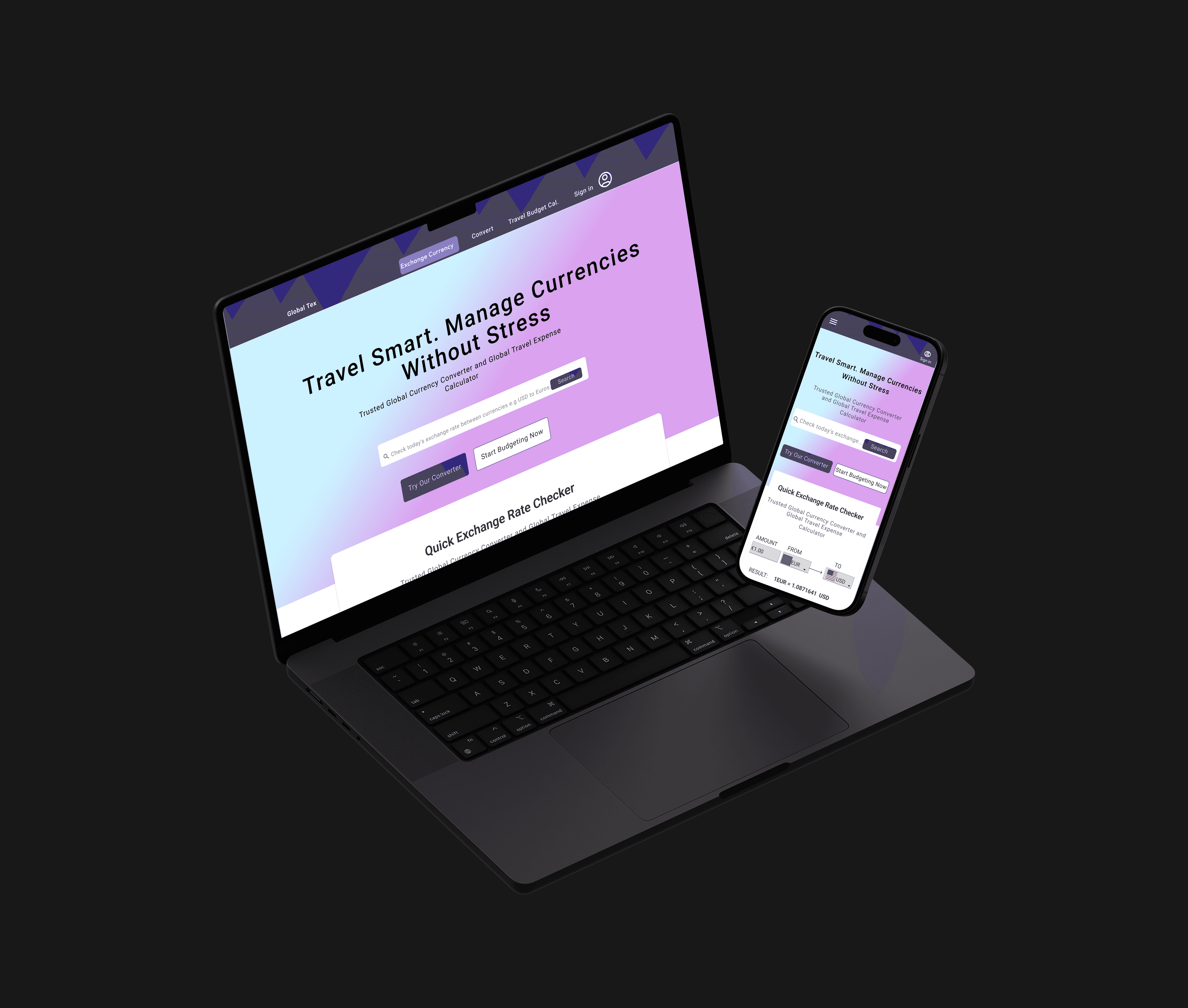
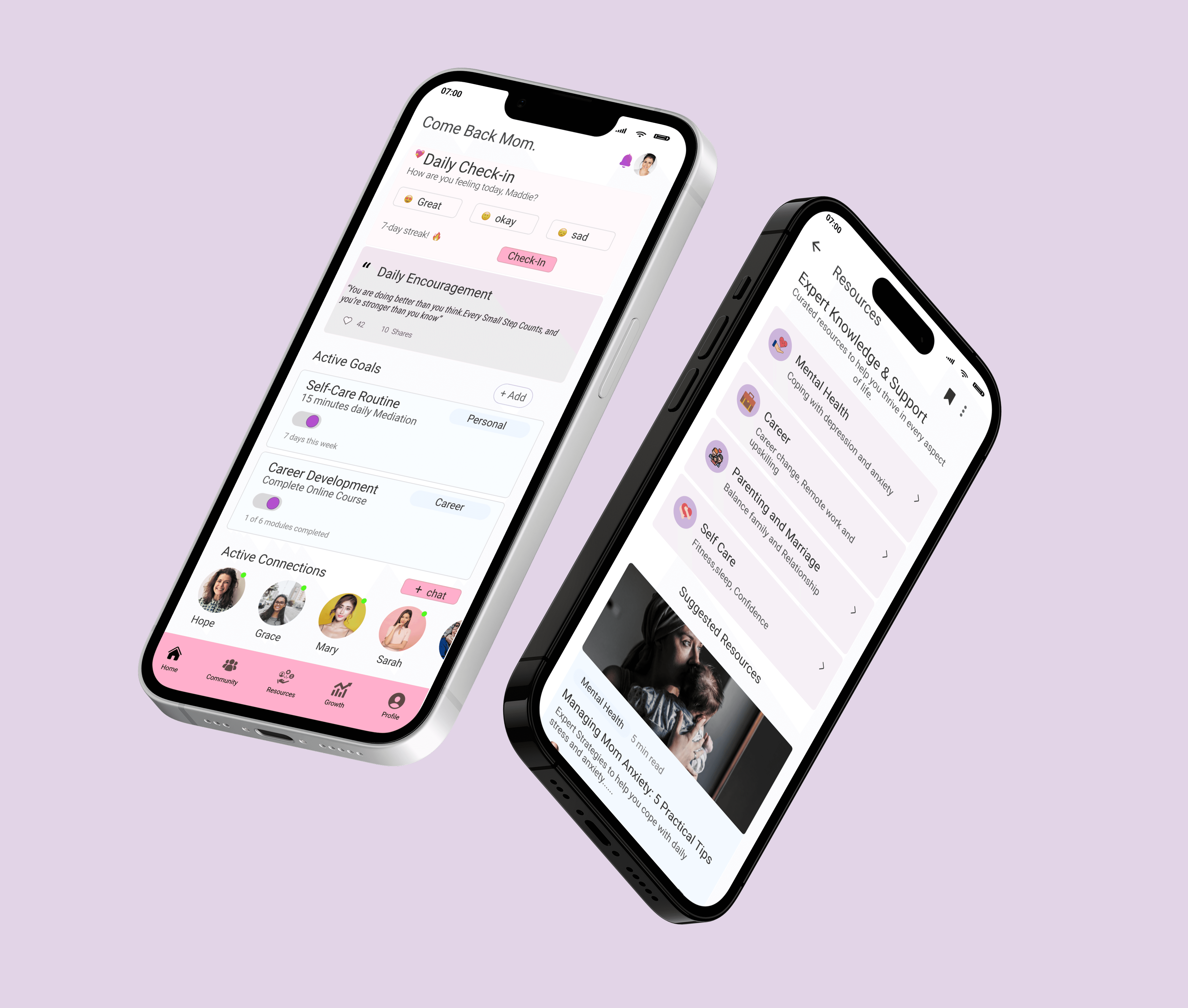
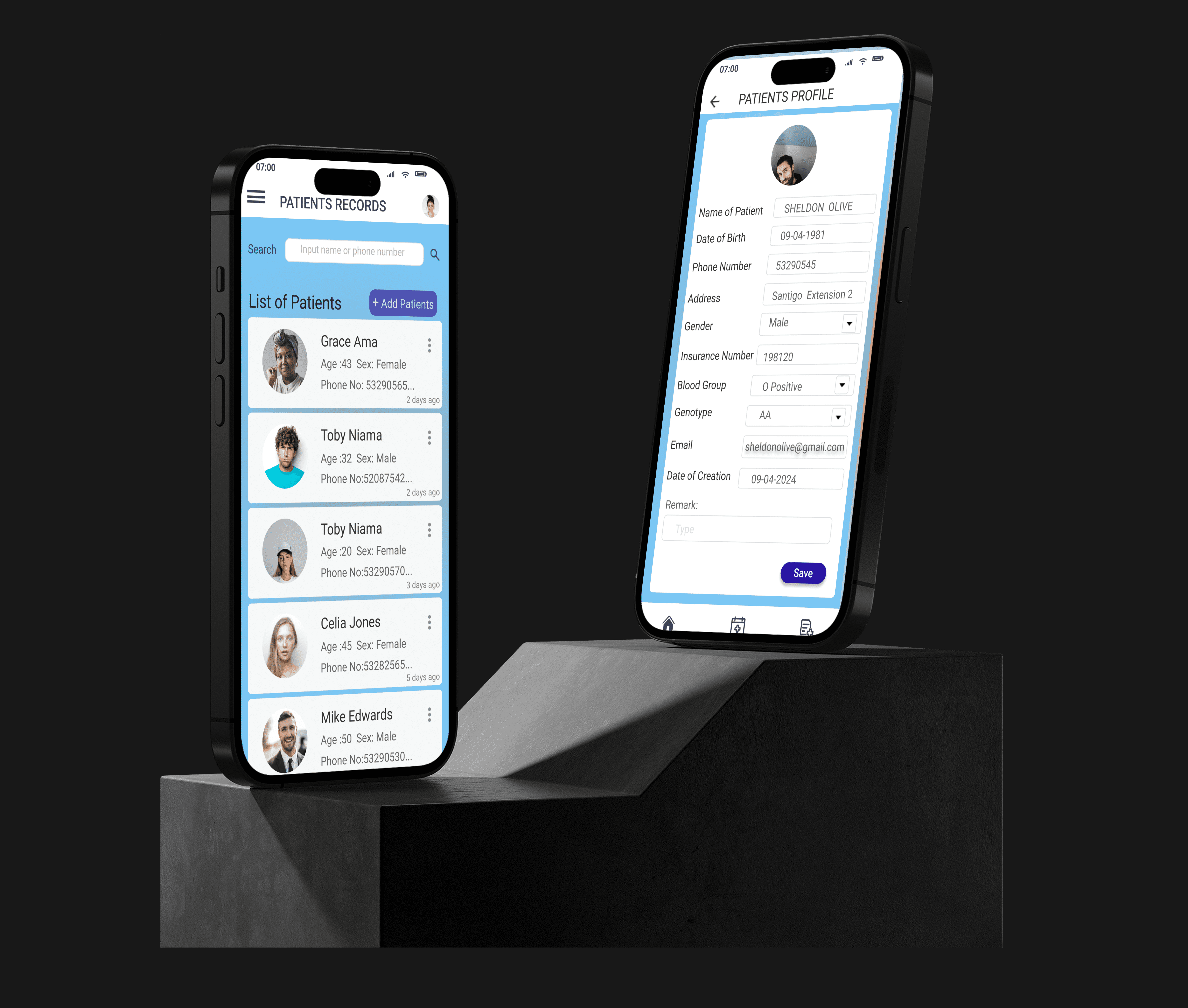
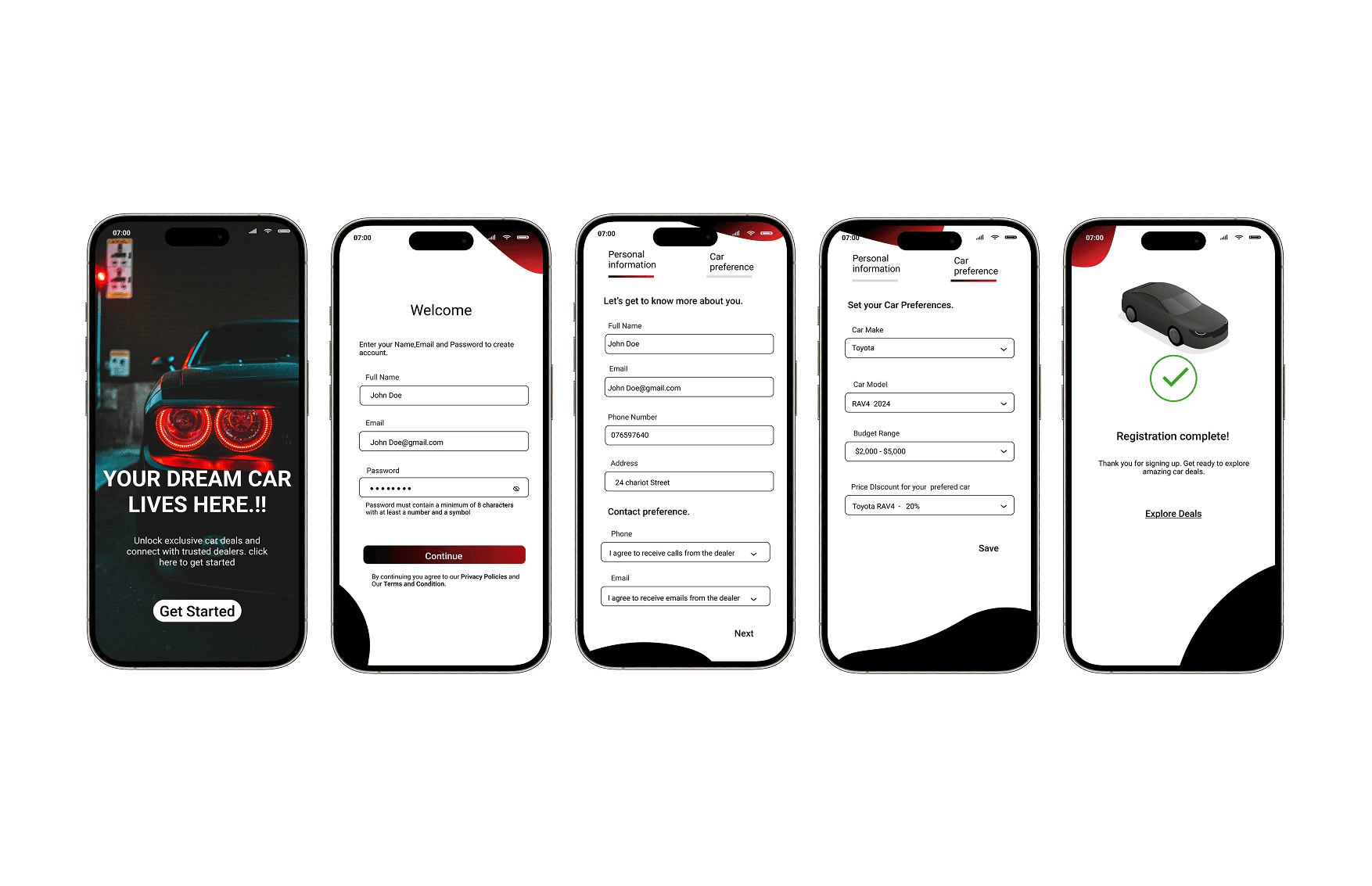
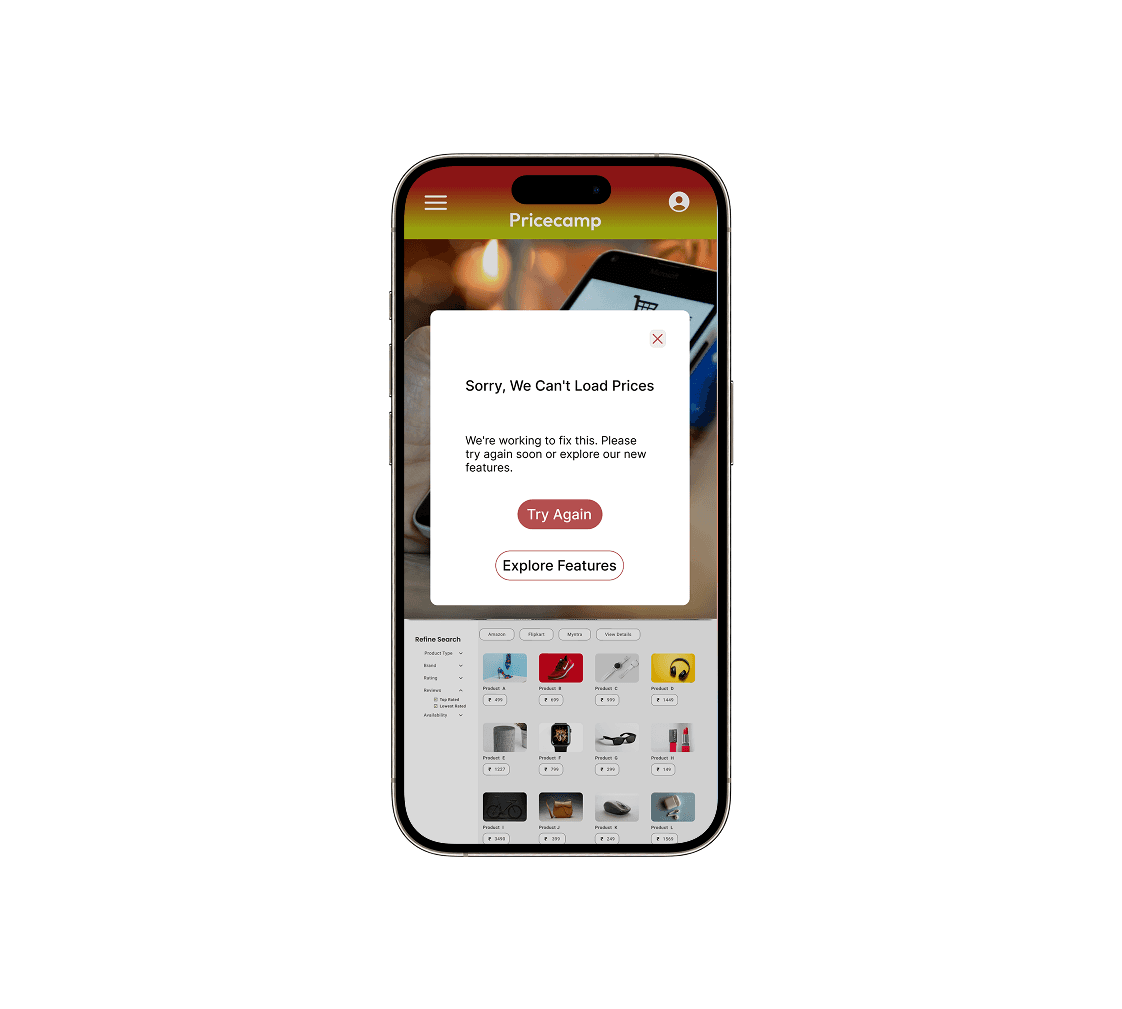
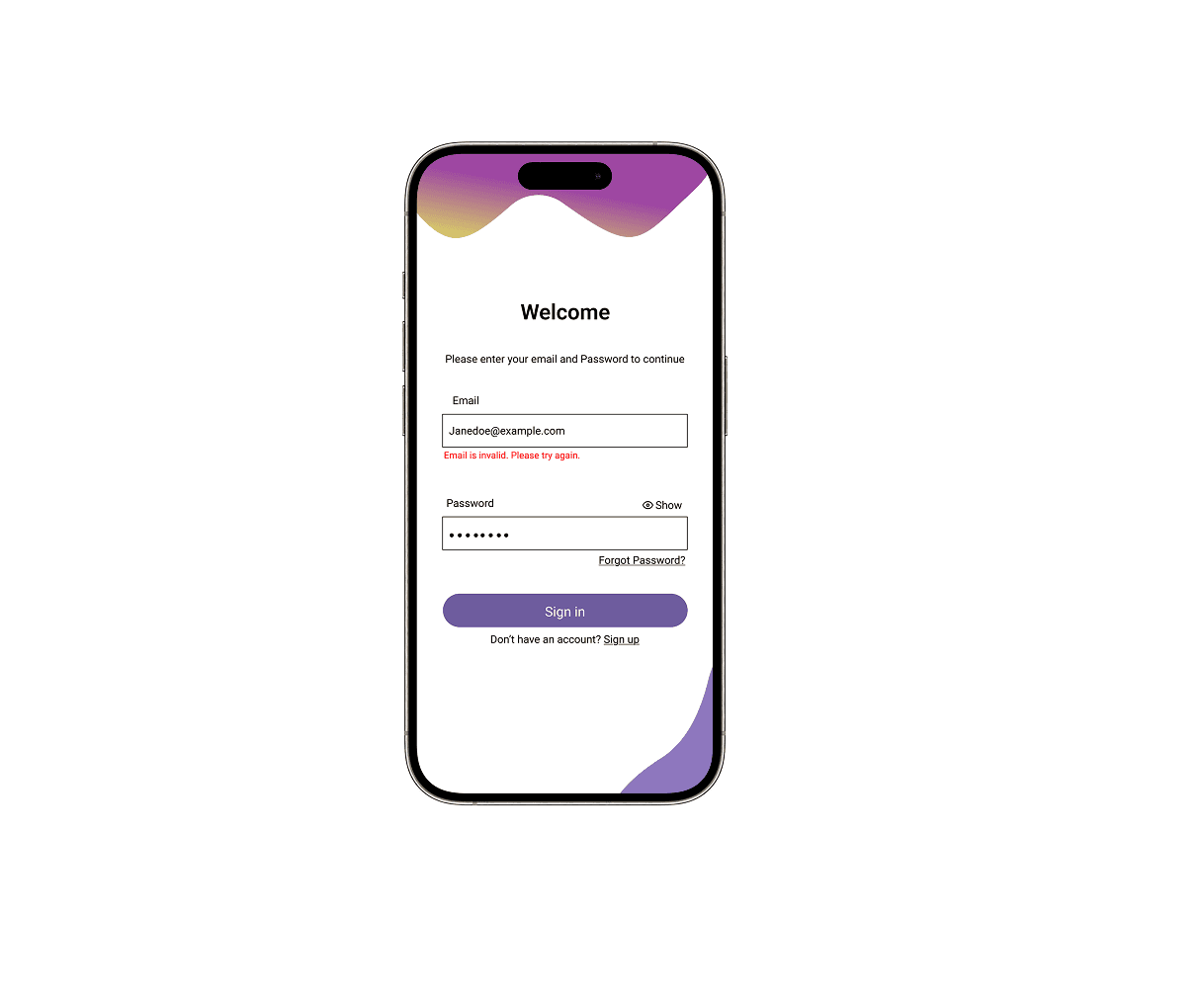
SOME SELECTED SCREENS FROM OTHER DAYS CHALLENGE
Please check out the remaining 14 days challenge Here
Results
✨ What’s Next?
Wrapping It All Up And that’s a wrap on my 15-day UX Writing Challenge! This journey has been both challenging and rewarding, and I’m so grateful to have shared it with you. I hope my solutions inspired you and showcased the power of clear, engaging content in UX design. I’d love to hear your thoughts! Drop a comment below, or feel free to DM me if you want to connect. Let’s keep the conversation going!
Got a project in mind? Let’s make something amazing together.